Automate Client Communication with GoHighLevel Workflows
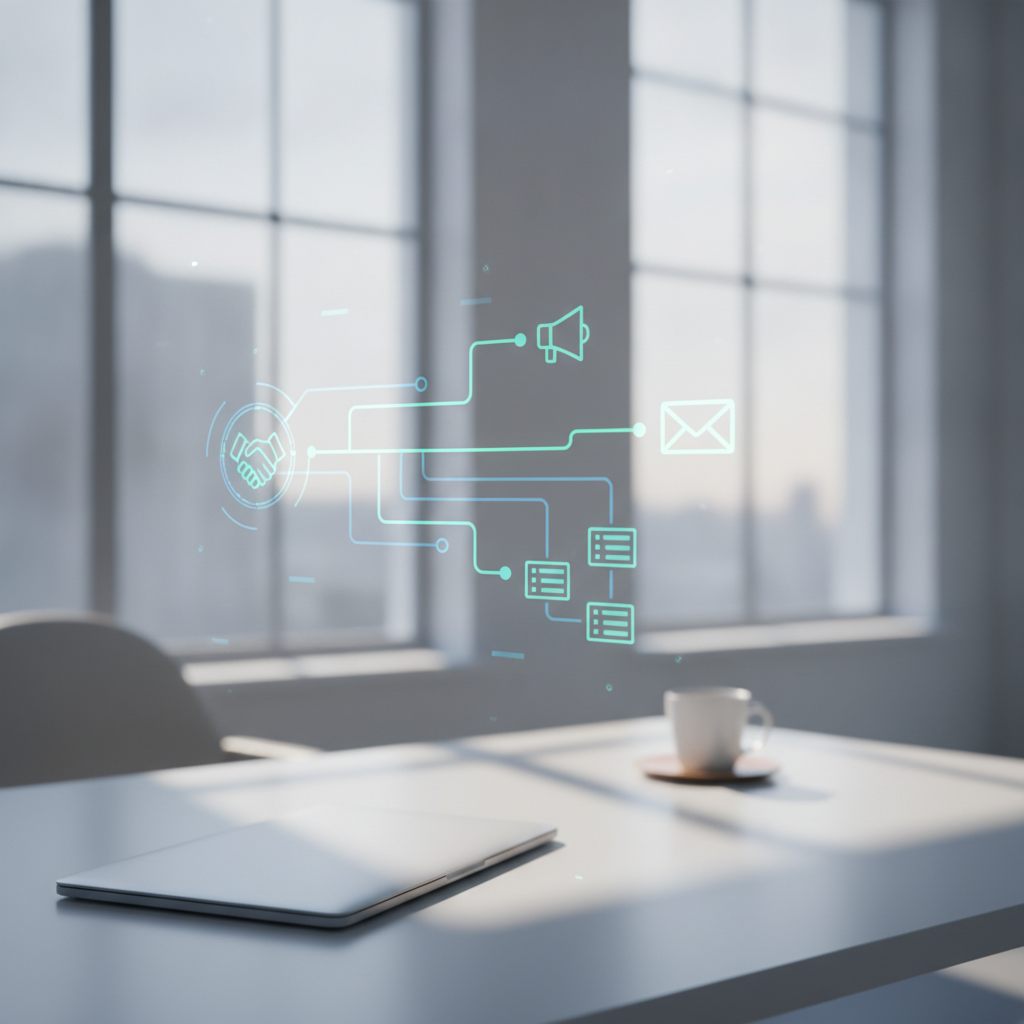
Set up automated messages and follow-ups to save time and improve client relations.
For many small-to-mid business owners across Australia and New Zealand, managing client communication can feel like a full-time job in itself. From initial enquiries to post-service follow-ups, ensuring every client feels valued and informed is crucial for growth. But what if you could automate much of this, without losing that personal touch? That's where GoHighLevel's powerful automation workflows come into play.
Why Automate Your Client Communication?
The idea of 'automation' might sound impersonal, but when applied correctly, it's about consistency, efficiency, and ensuring no client ever falls through the cracks. For busy business owners, the benefits are clear:
- Save Time & Resources: Manual communication is a time sink. Automation frees up hours you can reinvest in core business activities or strategic planning.
- Ensure Consistency: Every client receives the same high standard of communication, every time, regardless of how busy you are. This builds trust and reinforces your brand.
- Never Miss a Beat: Automated sequences ensure timely responses, follow-ups, and reminders, improving client satisfaction and reducing missed opportunities.
- Improve Client Experience: Proactive, relevant communication makes clients feel valued and keeps them engaged with your business.
- Scalability: As your business grows, your communication strategy can scale effortlessly without needing to hire more staff just to manage emails.
Getting Started: Welcome Sequences That Impress
First impressions matter, and a well-crafted welcome sequence can set the tone for a long-lasting client relationship. With GoHighLevel, you can design automated workflows that engage new clients from the moment they sign up or make a purchase.
Here’s how a typical welcome sequence might look:
- Immediate Confirmation: As soon as a client signs up or buys, send an instant email or SMS confirming their action. This reassures them and provides immediate value.
- Useful Resources: A day or two later, send an email with helpful links – perhaps an FAQ, a link to your client portal, or a short video explaining your process.
- Personal Introduction: A few days later, a more personal email from you or your team, introducing themselves and offering to answer any questions. This adds a human touch.
- Next Steps & Expectations: Clearly outline what they can expect next and when. Managing expectations upfront reduces anxiety and builds confidence.
Each step in the workflow can be triggered by specific actions (e.g., form submission, purchase confirmation) and can include emails, SMS messages, or even internal notifications for your team.
Nurturing Relationships: Follow-Up Campaigns
Automation isn't just for new clients. GoHighLevel workflows are incredibly powerful for nurturing existing relationships and driving repeat business. These campaigns are designed to keep your business top-of-mind and encourage continued engagement.
Consider these ideas for follow-up campaigns:
- Post-Service Check-ins: A few weeks after completing a service, send an automated email asking for feedback or offering further assistance. This shows you care beyond the transaction.
- Re-engagement Sequences: For clients who haven't interacted in a while, a series of emails offering a special discount, new service updates, or valuable content can bring them back.
- Feedback & Review Requests: Automate requests for reviews on Google My Business or other platforms after a positive service experience. Social proof is invaluable.
- Seasonal Offers & Updates: Keep clients informed about new products, services, or seasonal promotions without manual effort.
The key is to provide value with every communication, ensuring your messages are welcomed, not ignored.
Beyond Automation: The Power of Personalisation
The biggest concern with automation is often the fear of sounding robotic. GoHighLevel addresses this by allowing deep personalisation within your workflows.
Here’s how to make your automated communications feel truly personal:
- Utilise Custom Fields: Collect client data like their name, business name, specific interests, or last purchase, and use these fields to dynamically insert information into your emails and SMS. Addressing a client by name immediately makes the message more engaging.
- Segment Your Audience: Don't send the same message to everyone. Segment your clients based on their behaviour, demographics, or purchase history. A client who bought a specific product should receive follow-ups related to that product, not a generic newsletter.
- Trigger Based on Behaviour: Set up workflows to trigger based on actions clients take (or don't take). For example, if a client clicks a specific link in an email, they might receive a follow-up email with more information on that topic. If they abandon a cart, a reminder email can be sent.
- Combine with Human Touchpoints: Automation should supplement, not replace, human interaction. Use workflows to identify clients who might need a personal call, or to remind your team to reach out directly at key moments.
Implementing GoHighLevel's automation workflows isn't about cutting corners; it's about working smarter. It allows your Australian or New Zealand business to deliver consistent, timely, and personalised communication that strengthens client relationships and supports sustainable growth. If you're feeling overwhelmed by the demands of client communication, exploring these powerful tools could be the practical, results-focused solution you've been looking for.
Related: Read CRM Overwhelm? Your Small Business Guide to GoHighLevel — CRM Overwhelm? Your Small Business Guide to GoHighLevel.
Website design, CRM automation & branding →
Your local teamWebsite design & CRM across Logan, Brisbane & Australia →
Want results like this for your business?
Talk to Martin & Tabitha about website design, CRM automation and branding — taking the overwhelm out of marketing your business.