Crafting Your Online Presence: Essential WordPress Plugins
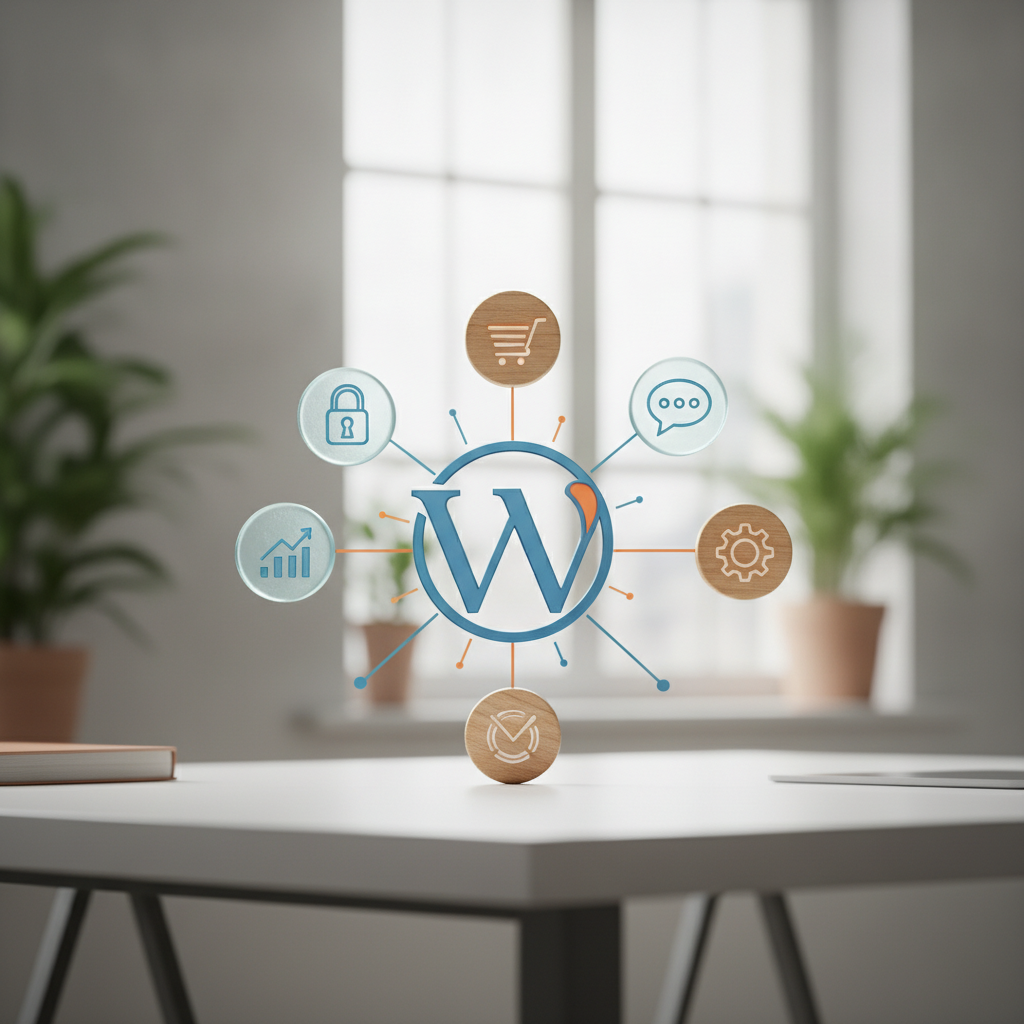
Discover the must-have plugins to enhance your WordPress website's functionality.
For many small-to-mid business owners in Australia and New Zealand, managing a website can feel like another item on an already overwhelming to-do list. You know you need a strong online presence, and WordPress is a fantastic platform for achieving that. But then you hear about "plugins," and suddenly it feels like you need a degree in IT just to keep up.
At Define Marketing, we understand that feeling. Our approach is always practical, confident, and focused on results, not hype. When it comes to WordPress, plugins are your secret weapon – but only if you choose the right ones and manage them smartly. They're tools to make your site work harder for your business, securing it, speeding it up, and making sure your ideal customers can actually find you.
Why WordPress Plugins Are Crucial for Your Business
Think of core WordPress as a powerful engine. It's robust and reliable, but to truly customise it for your specific business needs – whether that's boosting your visibility in Auckland, securing customer data in Brisbane, or ensuring lightning-fast load times for users across the Tasman – you need specialised components. That's exactly what plugins are.
Plugins extend your website's functionality without requiring you to write complex code. They allow you to add features for search engine optimisation (SEO), enhance security, improve performance, and even automate tasks, all designed to give you a competitive edge and reduce your administrative burden.
Essential Plugin Categories for Your AU/NZ Business
Not all plugins are created equal, and not all are necessary. We focus on the core areas that directly impact your business's success online:
SEO (Search Engine Optimisation)
Being found online is non-negotiable. An SEO plugin helps you optimise your content, meta descriptions, and technical aspects of your site so search engines like Google understand what your business offers. This means more potential customers finding your services, whether they're searching for "accountant Brisbane" or "web design Sydney."
Security
Your website is a critical business asset. It holds your brand reputation, potentially customer information, and is key to sales and leads. A security plugin acts like a digital bodyguard, protecting against malware, brute-force attacks, and other vulnerabilities that could compromise your site and your business's integrity.
Performance (Speed & Caching)
In today's fast-paced digital world, slow websites lose customers. A performance plugin optimises your site's speed by caching content, compressing images, and streamlining code. Faster load times improve user experience, reduce bounce rates, and are a key factor in how search engines rank your site – especially important for mobile users across Australia and New Zealand.
Backup
Accidents happen. Websites can break due to updates, conflicts, or even human error. A reliable backup plugin ensures you have a recent copy of your entire site, ready to be restored quickly. This peace of mind is invaluable, protecting your investment and minimising downtime.
Our Top Recommended Plugins for Practical Results
Based on our experience working with businesses like yours, these are the plugins we trust to deliver tangible benefits:
- For SEO: Yoast SEO or Rank Math. Both are powerful, user-friendly tools that guide you through optimising your content for search engines, generating XML sitemaps, and managing technical SEO aspects.
- For Security: Wordfence Security. This comprehensive plugin offers a robust firewall, malware scanner, and login security features to keep your site safe from threats.
- For Performance: WP Rocket (premium) or LiteSpeed Cache (if your host uses LiteSpeed servers). These plugins dramatically improve load times through intelligent caching, minification, and database optimisation.
- For Backups: UpdraftPlus. This plugin makes it incredibly easy to schedule automatic backups of your entire WordPress site to cloud storage like Google Drive or Dropbox, and restore them with a click.
Avoiding Plugin Overload: Quality Over Quantity
It's tempting to install a plugin for every conceivable feature, but this is a common pitfall. Too many plugins, especially poorly coded or outdated ones, can:
- Slow down your website.
- Create conflicts with other plugins or your theme.
- Introduce security vulnerabilities.
- Make your site harder to manage.
Our advice? Be selective. Choose plugins that are actively maintained, have good reviews, and truly serve a crucial function for your business goals. Less is often more when it comes to WordPress plugins.
Smart Plugin Installation & Management Tips
Even with the right plugins, how you manage them matters:
- Always Backup First: Before installing any new plugin or updating existing ones, always perform a full site backup. This is your safety net.
- Test on a Staging Site: If you have a staging environment (a clone of your live site), test new plugins or major updates there first to catch any issues before they affect your live audience.
- Keep Them Updated: Plugin developers regularly release updates for security patches, bug fixes, and new features. Keep your plugins current.
- Delete Unused Plugins: Don't just deactivate; delete any plugins you no longer use. They can still pose security risks or bloat your database.
- Source Wisely: Stick to plugins from the official WordPress Plugin Directory or reputable premium developers.
Navigating the world of WordPress plugins doesn't have to be overwhelming. By focusing on essential categories like SEO, security, performance, and backups, and by choosing quality over quantity, you can transform your website into a powerful, secure, and fast asset for your Australian or New Zealand business. If you're feeling stuck or want professional guidance on optimising your WordPress site, Define Marketing is here to help you achieve tangible results.
Related: Read WordPress Websites: Your Foundation for Online Business Growth — WordPress Websites: Your Foundation for Online Business Growth.
Website design, CRM automation & branding →
Your local teamWebsite design & CRM across Logan, Brisbane & Australia →
Want results like this for your business?
Talk to Martin & Tabitha about website design, CRM automation and branding — taking the overwhelm out of marketing your business.